For Everyday Users
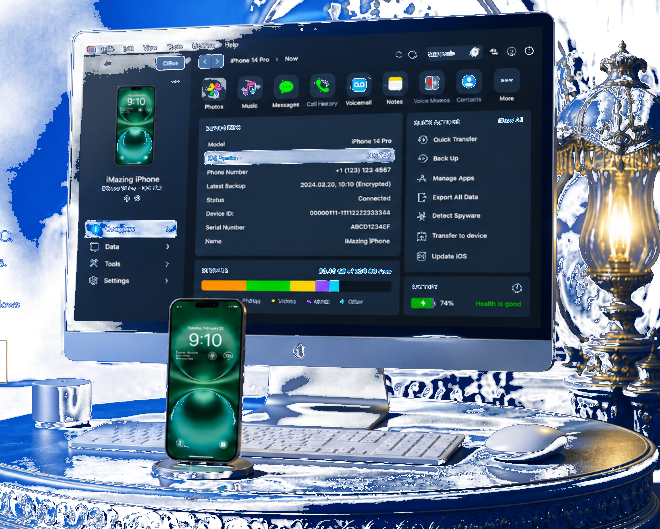
Connect via USB or Wi-Fi. Browse your device, schedule backups, export iMessages and WhatsApp, transfer music and photos, and install apps without iTunes sync lock.
Trusted iOS Manager
iMazing is professional iPhone and iPad software for Mac and PC. Backup, transfer messages, music, and files without iTunes limits.
Overview
A complete desktop solution to control your Apple devices from your computer.

Connect via USB or Wi-Fi. Browse your device, schedule backups, export iMessages and WhatsApp, transfer music and photos, and install apps without iTunes sync lock.
IT teams, repair shops, and legal workflows use iMazing for fleet supervision, configuration profiles, CLI automation, and evidence extraction.
Capabilities
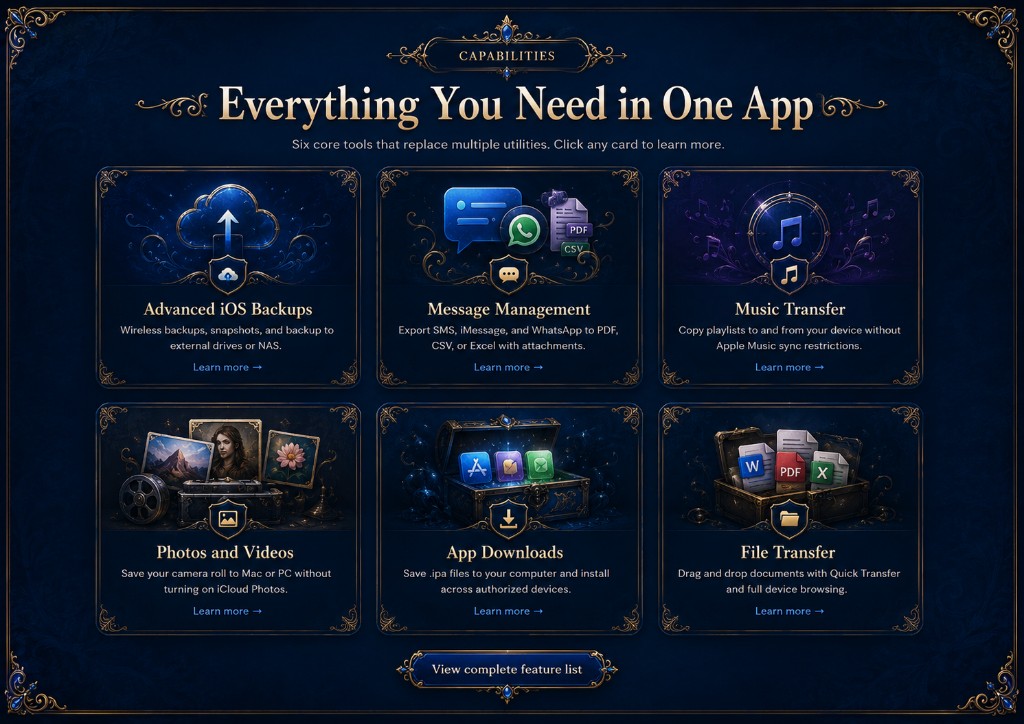
Six core tools that replace multiple utilities. Click any card to learn more.
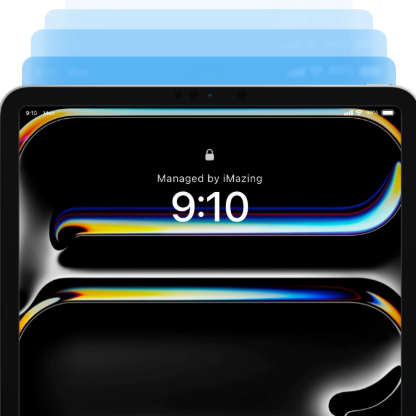
Wireless schedules, snapshots, and backup to external drives or NAS.
Learn more →
Export SMS, iMessage, and WhatsApp to PDF, CSV, or Excel with attachments.
Learn more →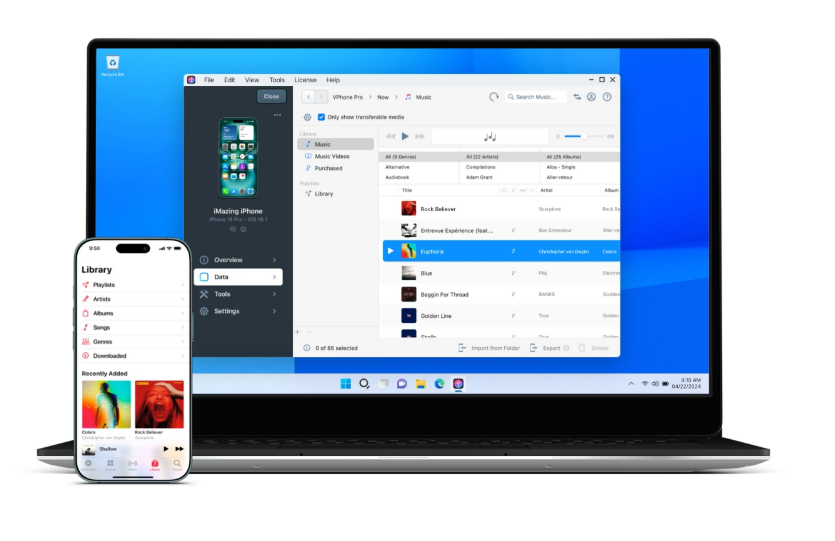
Copy playlists to and from your device without Apple Music sync restrictions.
Learn more →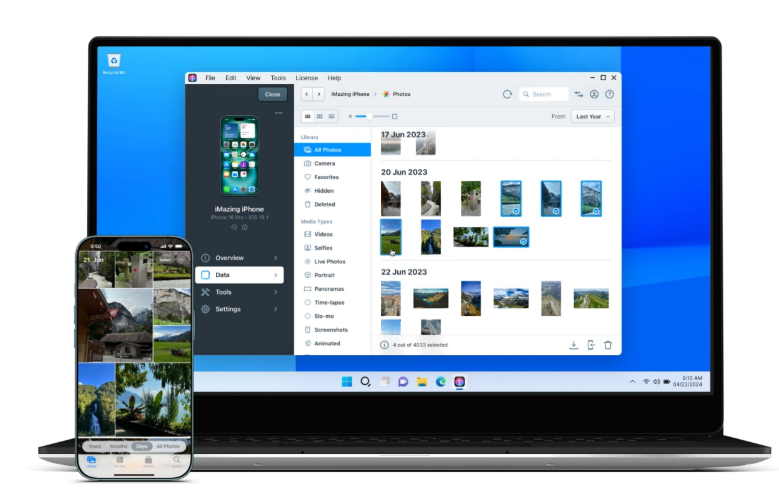
Save your camera roll to Mac or PC without turning on iCloud Photos.
Learn more →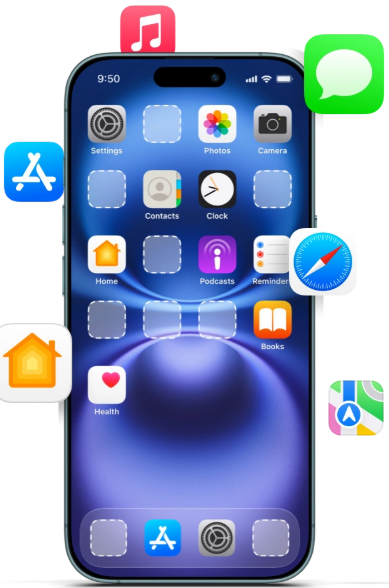
Save .ipa files on your computer and install across authorized devices.
Learn more →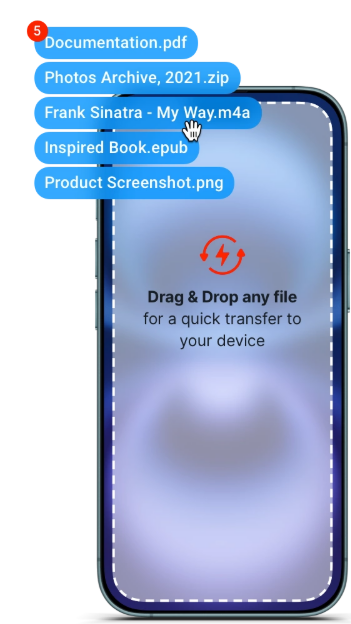
Drag and drop documents with Quick Transfer and full device browsing.
Learn more →Who it is for

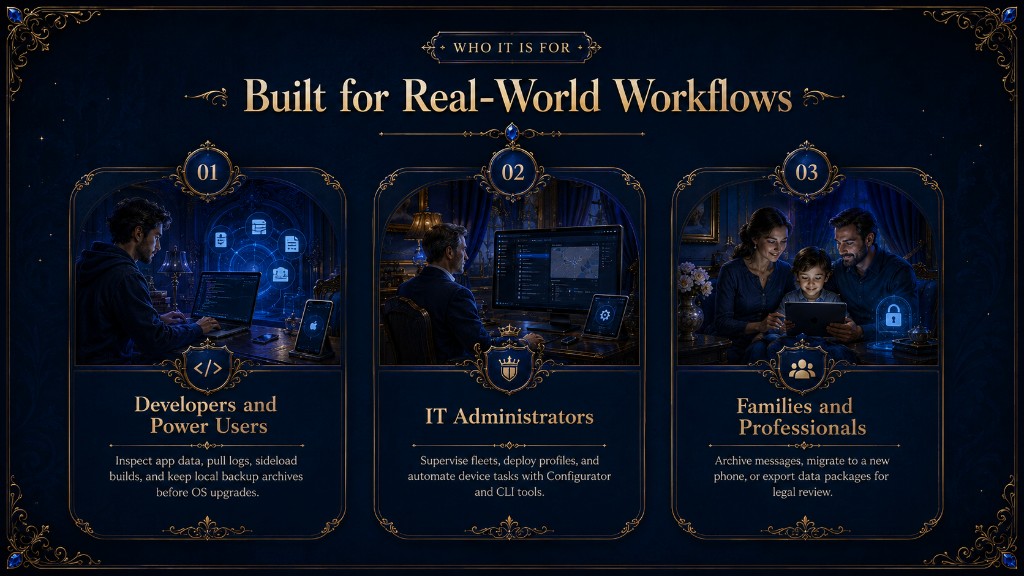
Inspect app data, pull logs, sideload builds, and keep local backup archives before OS upgrades.

Supervise fleets, deploy profiles, and automate device tasks with Configurator and CLI tools.

Archive messages, migrate to a new phone, or export data packages for legal review.
Compare
See why users switch from iTunes, Finder, and basic transfer utilities.
| What you need | iMazing | iTunes / Finder | Other tools |
|---|---|---|---|
| Browse device files | ✓ Yes | Limited | Varies |
| Export messages to PDF | ✓ Yes | No | Sometimes |
| Two-way music transfer | ✓ Yes | Restricted | Often one-way |
| Scheduled wireless backup | ✓ Yes | Basic | Rare |
| Enterprise MDM tools | ✓ Yes | ABM only | Rare |
Testimonials
Join thousands who rely on iMazing for Apple device management.
Two-way music transfer saved my library when I switched phones.
Replaced iTunes for backups. Fast, reliable USB transfers every time.
Exported years of iMessages with attachments. Perfect for family archives.
Our repair shop migrates data daily without cloud dependency.
Security
iMazing is built with trust at its core. Verify downloads, read our guides, and keep data on your machine.